The review filter
Press the review number in the status bar. The whole timeline dims except the clips worth a look.

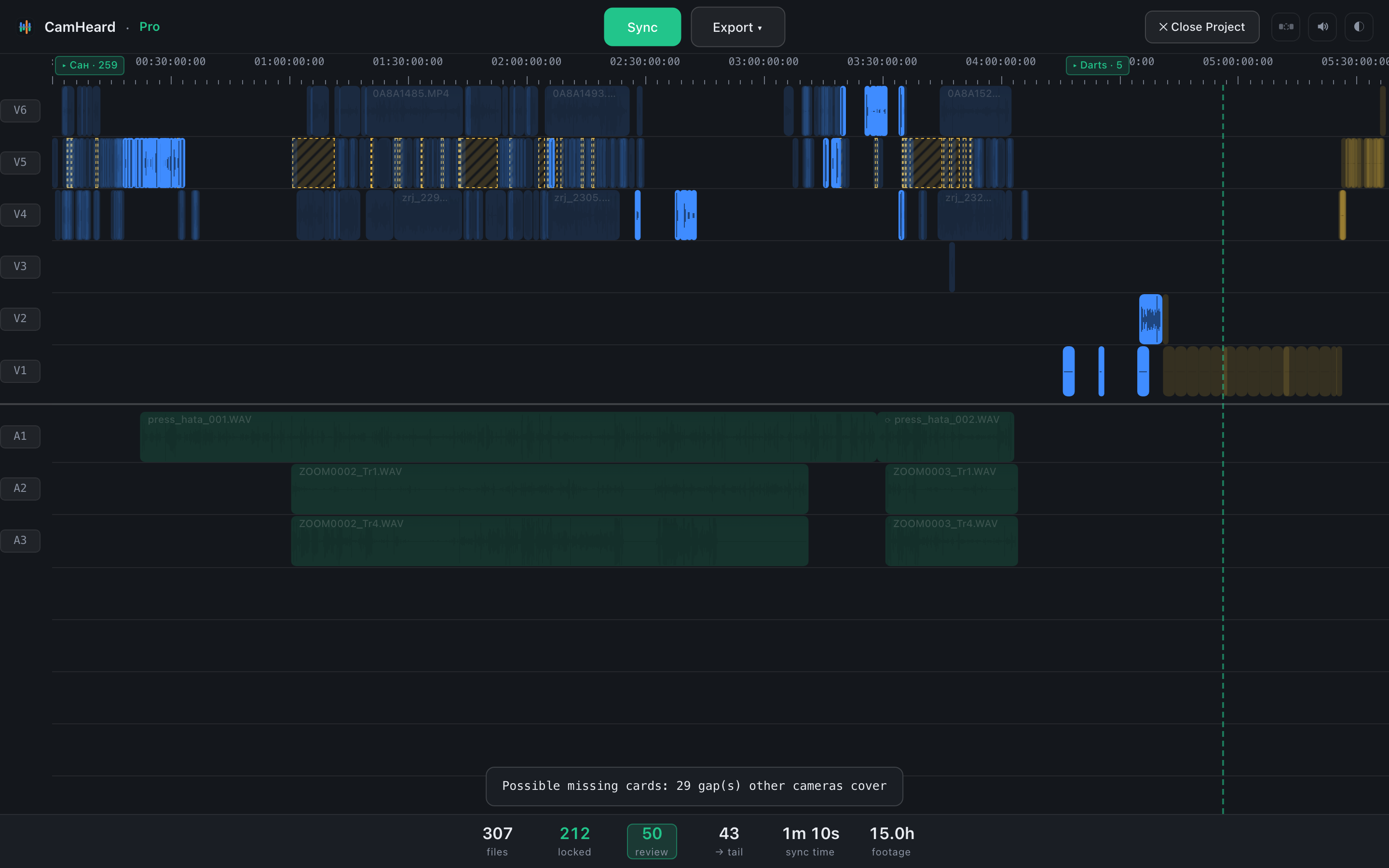
The handiest place to check is the timeline in your editor: go through what is highlighted, nudge whatever sits wrong, and carry on editing as usual. The filter turns itself off when no review clips are left in the project.