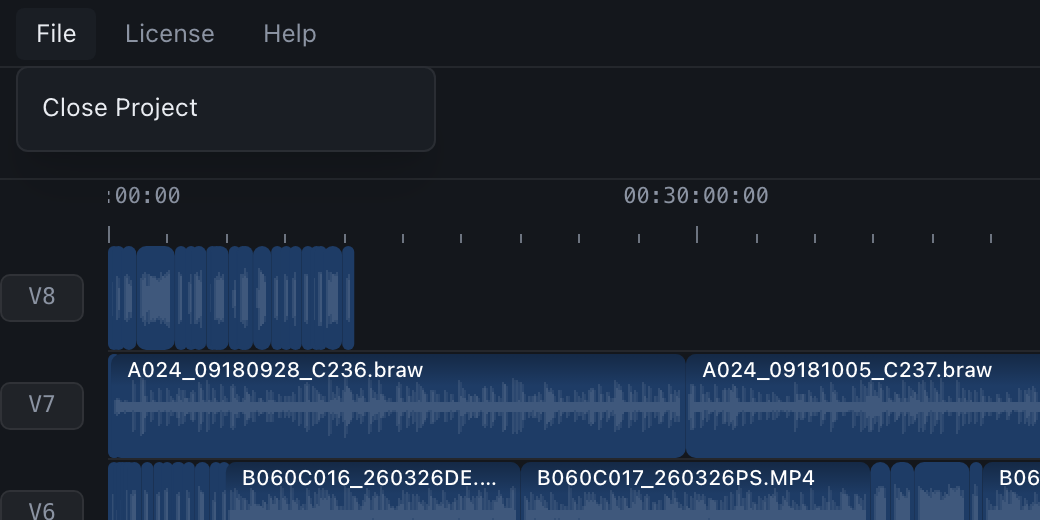
Menus
The menu is the same on both systems. On macOS it is in the system menu bar, on Windows in the window's own title bar.
| Menus | Item | What it does |
|---|---|---|
| CamHeard (macOS only) | About CamHeard | The app version. |
| File | Close Project | The same as the ✕ Close Project button: clear the timeline. |
| License | License… | Enter a key, open a licence file or remove the licence from this computer. |
| Check for Updates… | Check for a new version manually. If there is one, the download starts at once. | |
| Help | CamHeard Website | Opens camheard.com in the browser. |
| Email Support… | An email to [email protected]. | |
| Release Notes | What changed in the latest versions. | |
| Third-Party Licenses | The licences of the libraries the app is built from. |
The window title bar on Windows
On Windows the app draws its own title bar: the menu on the left, the name in the middle, the minimise, maximise and close buttons on the right. A double click on the bar maximises the window and restores it.