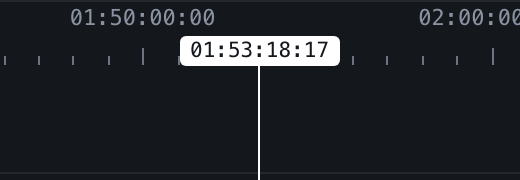
Waveform, zoom and playhead
Zoom in to the frame. The waveform gets more detailed as you go, the ruler starts counting frames, and the arrow keys walk the playhead one frame at a time.
Zoom

- + and − zoom in and out from the centre of the screen, 0 shows the whole shoot.
- ⌘ with the wheel, or a pinch on a trackpad, zooms around the cursor.
- The furthest zoom is the whole shoot in one screen. The closest is close enough to see individual frames.
The waveform
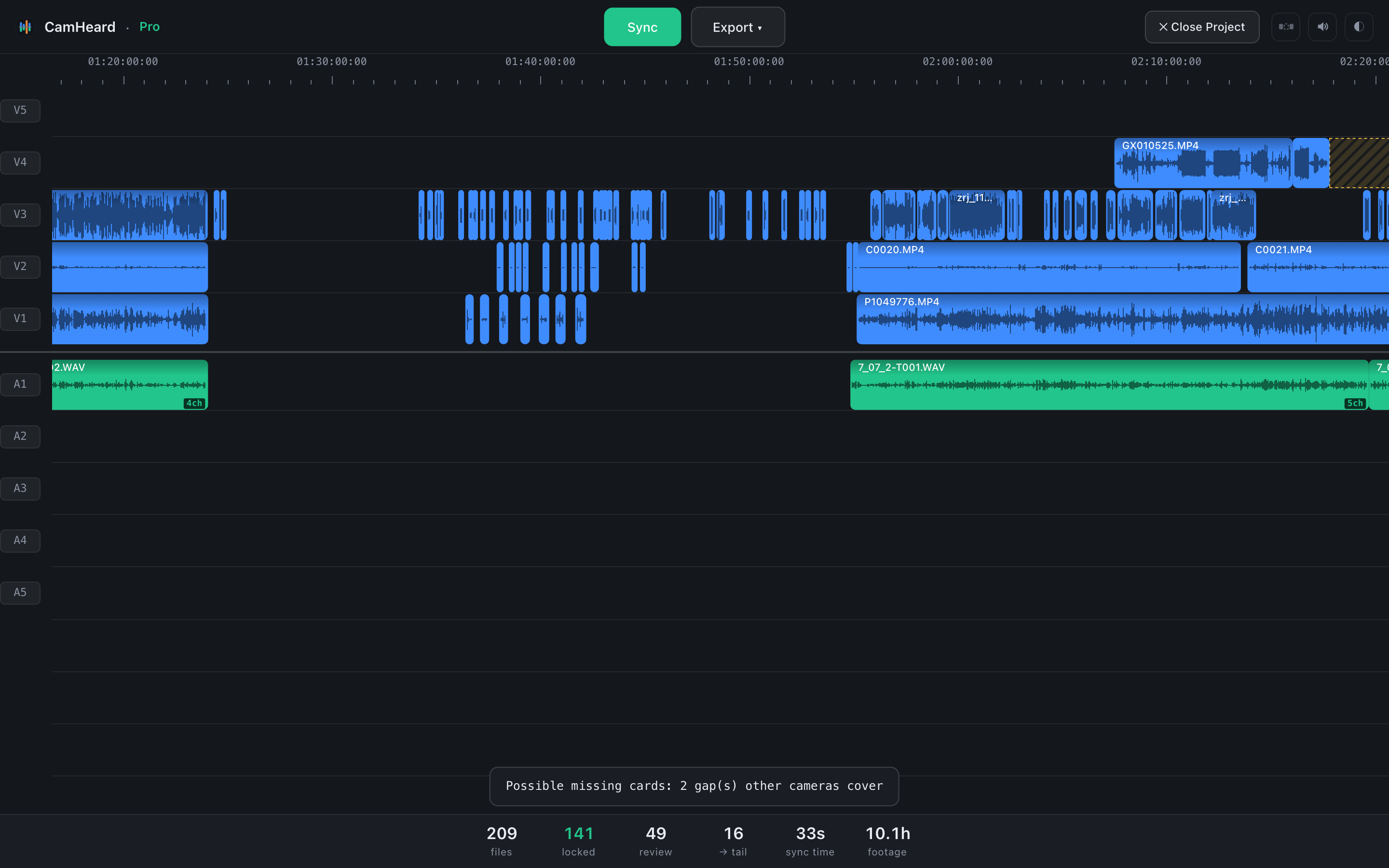
After the sync the waveform on every clip is real. From far away it is an envelope; up close the app loads a more detailed slice for the visible clips, so a peak in the camera waveform can be checked against the same peak in the recorder.
The playhead
Click an empty spot on a track. A vertical line appears across all the tracks and a timecode under the ruler. The ← → arrows move the playhead one frame, with Shift ten. The view follows the playhead on its own. Esc removes it.