Adding footage
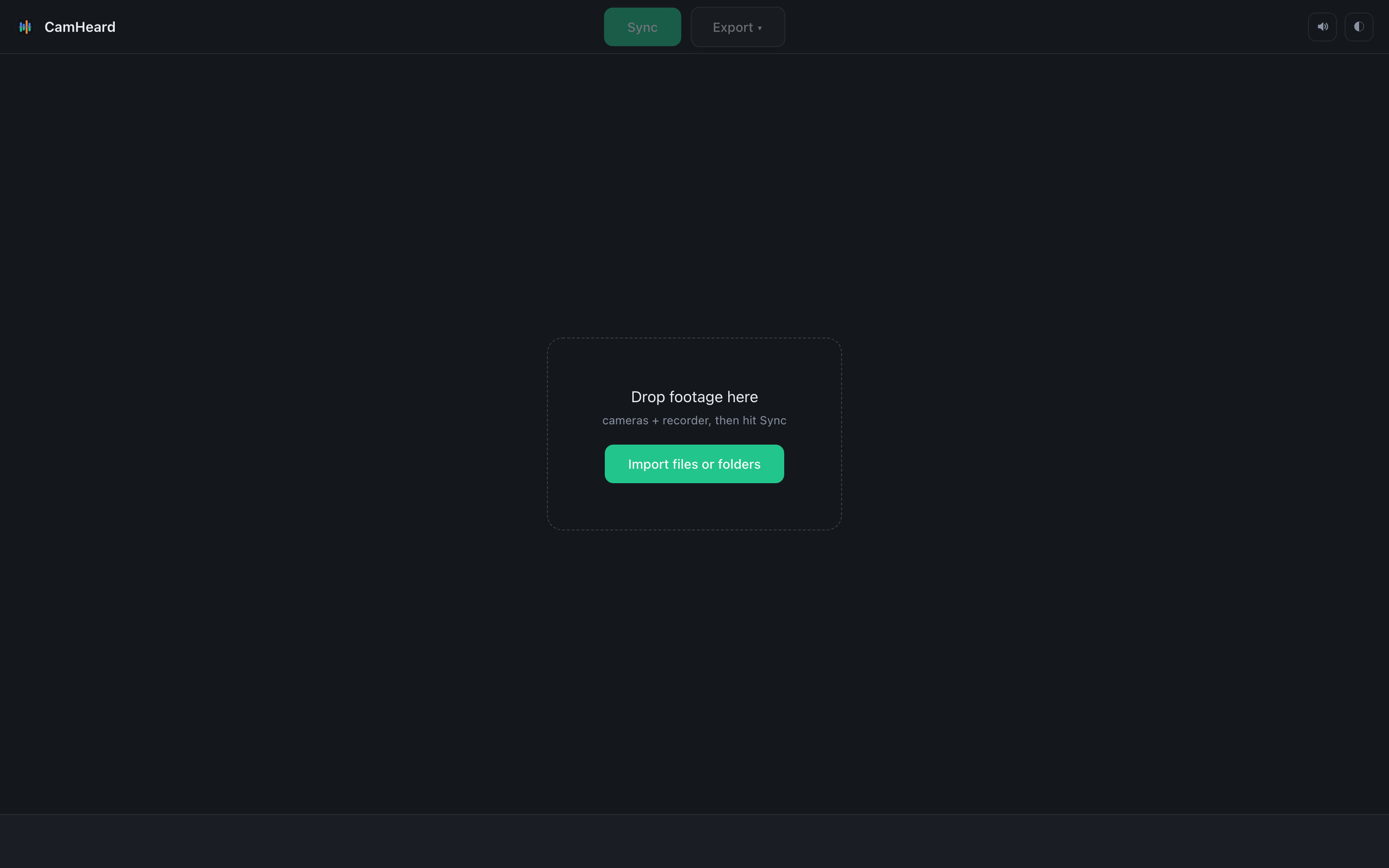
Drag the shoot folder onto the window. The app goes inside and finds every camera folder and every recorder take by itself.
Three ways
- Drag the shoot folder. The simplest and the most correct way.
- Drag separate folders or files. When you only need part of the shoot.
- The Import files or folders button. A system dialog where you can pick both files and folders, several at once.
What happens right after
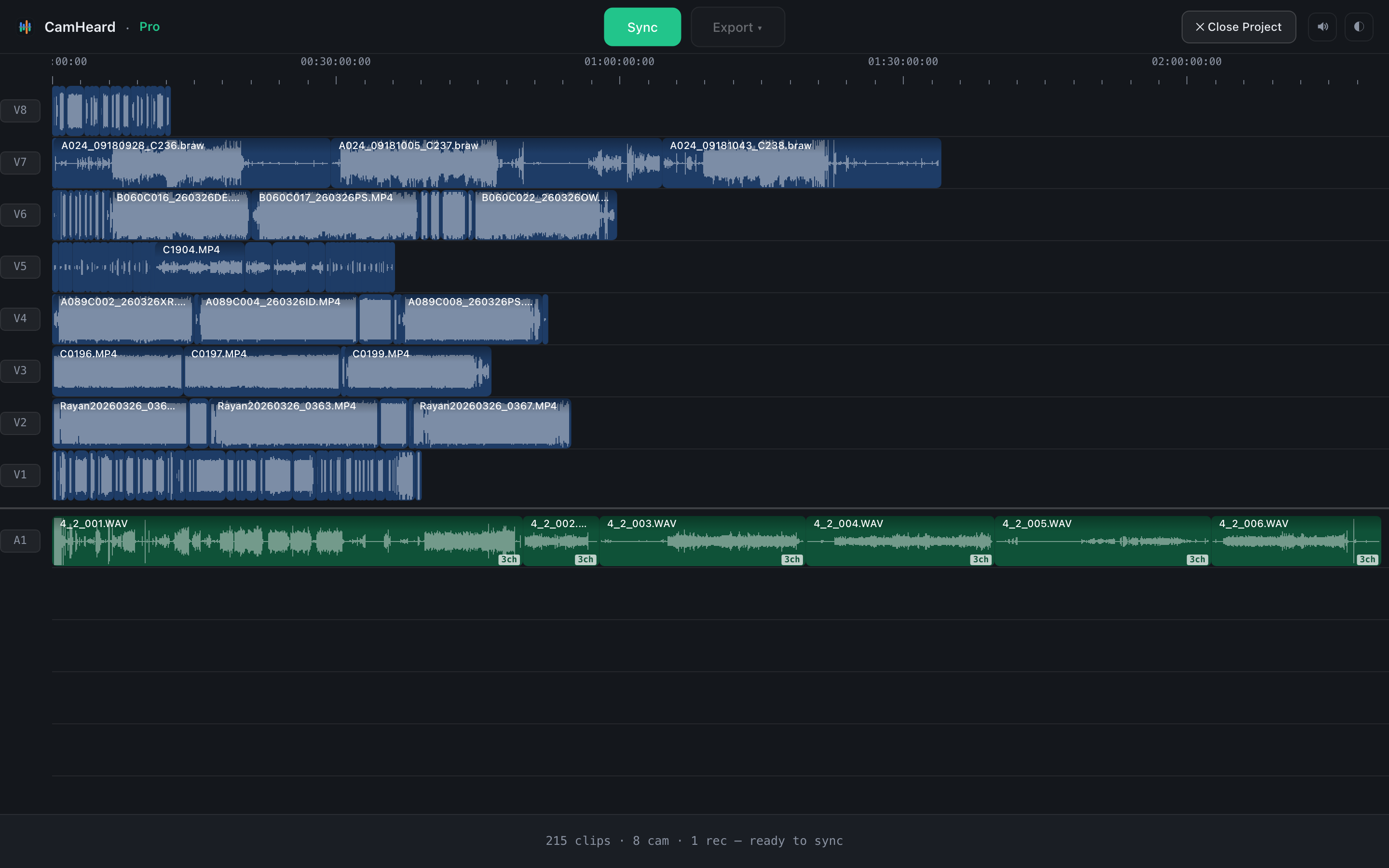
Loading footage… appears at the bottom, and a moment later the clips lie down on the timeline from the start, in a dimmed colour. This is not the sync yet, only a look at what came in. The status bar counts it:

The same line may say timecode on 3 devices (140 clips) if some devices have usable timecode, or no usable timecode, going by sound if they do not. Files with no audio track are counted separately: 15 with no audio track.
Adding more
You can drop folders one at a time, as many times as you like, even on top of a finished sync: Drop to add more footage appears above the timeline. What is already loaded is not read again, the new material queues up. After adding, press Sync again.
Messages during import
| Message | What happened |
|---|---|
| No supported media in that drop | What you dropped has no video or audio file in a supported format. |
| Nothing new to import from that drop | Everything in that folder was already loaded. |
| Skipped 2 duplicate/nested paths | You dropped a folder together with its subfolder, or the same folder twice. Nothing was doubled. |
| Skipped 1 empty (0-byte) file | A file of zero size: a half-copied card or a recording still in progress. |
| Skipped 3 proxy files | An editor proxy next to the original. The original was taken. |
| A folder spans multiple days | More than ten hours in a camera folder: it looks like two shooting days. Better to split them by day and drop them separately. |
| 2 file(s) couldn't be read | The files could not be read. Check whether they are damaged. |